
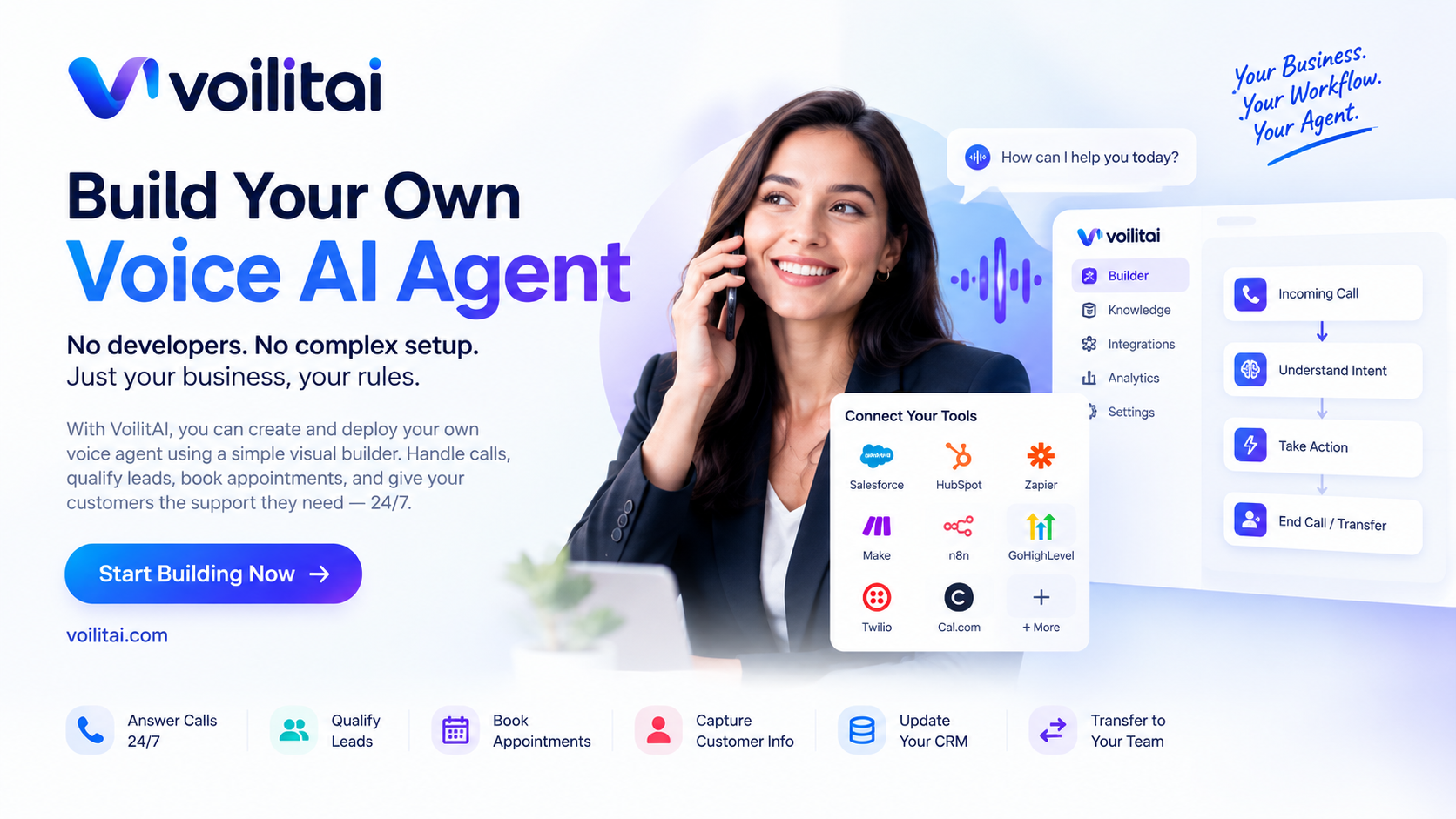
How to Build Your Own Voice AI Agent
Voice AI is changing how businesses handle phone calls.
For years, businesses that wanted an AI-powered phone system typically needed developers, complex integrations, multiple vendors, and a significant amount of custom development.
That is changing.
With platforms such as VoilitAI, businesses can create their own production voice agent using a visual builder, connect their existing tools, define how the agent should handle conversations, and deploy it to phone numbers.
The goal isn't simply to create an AI that talks.
The real value is creating an AI employee that can listen, understand, take action, and know when to involve a human.
What Is a Voice AI Agent?
A Voice AI agent is software that can have natural conversations with customers over the phone.
Unlike a traditional IVR system that asks callers to "press 1 for sales" or "press 2 for support," a Voice AI agent can understand what the caller is saying and respond based on the context of the conversation.
For example:
"I'd like to schedule an appointment for tomorrow afternoon."
The agent can understand the request, check the appropriate system, schedule the appointment, confirm the time, and update the CRM.
Modern voice agents can also qualify leads, answer questions, capture customer information, and transfer calls to employees when human involvement is necessary.
Why Businesses Are Building Their Own Voice AI Agents
Phone calls remain one of the highest-intent channels for many businesses.
But businesses frequently face the same problems:
- Missed calls
- Long wait times
- Limited business hours
- Repetitive customer questions
- Slow lead follow-up
- High support workloads
- Manual appointment booking
- Employees spending time on repetitive tasks
Hiring more employees can solve some of these problems, but it also increases operational costs and doesn't necessarily provide 24/7 coverage.
A Voice AI agent can provide another layer of support.
It can answer calls around the clock, handle routine conversations, perform supported actions, and hand complex situations to employees.
You Don't Have to Build Everything From Scratch
One of the biggest changes in Voice AI is the move from completely custom development toward configurable AI platforms.
Instead of building the entire voice infrastructure yourself, you can start by defining what you want your agent to do.
For example:
Business: Dental clinic
Agent role: Receptionist
Responsibilities:
- Answer incoming calls
- Explain available services
- Answer common questions
- Schedule appointments
- Capture patient information
- Reschedule appointments
- Transfer urgent calls to staff
You then define your business hours, FAQs, escalation rules, knowledge base, and connected tools.
VoilitAI's platform provides a visual flow builder and industry templates for designing these conversations and connecting calendars, CRMs, and knowledge bases.
Step 1: Define What Your AI Employee Should Do
Before creating an agent, define its job.
Don't start with:
"I want an AI voice bot."
Start with:
"I want an AI employee that handles incoming calls and books appointments."
This distinction matters.
A focused role makes it easier to design the conversation and determine what the AI should and shouldn't be allowed to do.
Examples include:
AI Receptionist
Answers calls, provides information, collects details, and routes callers.
AI Appointment Coordinator
Books, reschedules, and confirms appointments.
AI Sales Representative
Qualifies leads, answers product questions, and schedules sales calls.
AI Customer Support Representative
Handles frequently asked questions and basic support requests.
AI Intake Specialist
Collects information from callers and sends the relevant details to your internal team.
Step 2: Give Your Agent the Right Knowledge
A Voice AI agent is only as useful as the information it can access.
You can provide information such as:
- Services
- Pricing
- Business hours
- Locations
- FAQs
- Policies
- Product information
- Appointment rules
- Support procedures
- Escalation instructions
For example, if someone asks:
"Do you offer same-day appointments?"
The agent should be able to answer based on your actual business rules rather than guessing.
This is why connecting the agent to a knowledge base and defining clear guardrails is an important part of deployment.
Step 3: Design the Conversation
Once the agent's responsibilities are defined, you can design how conversations should work.
A typical flow might look like:
Incoming Call
↓
Understand Caller Intent
↓
Answer Question / Identify Request
↓
Take Action
↓
Confirm Result
↓
Update CRM
↓
End Call or Transfer to Employee
For example:
Customer:
"I need to book an appointment."
AI Agent:
"Sure. What day would you prefer?"
Customer:
"Tomorrow afternoon."
AI Agent:
"Let me check availability."
The agent can then interact with connected tools and complete the appropriate action.
VoilitAI supports visual conversation flows, knowledge bases, calendars, CRMs, and other connected tools.
Step 4: Connect Your Existing Business Tools
Your Voice AI agent shouldn't operate in isolation.
The real value comes from connecting it to the systems your business already uses.
Depending on the workflow, this might include:
- CRM
- Calendar
- Scheduling system
- Knowledge base
- Customer database
- Automation platform
- Phone system
VoilitAI lists integrations and connectivity options including systems such as Salesforce, HubSpot, Zapier, Make, n8n, GoHighLevel, Cal.com, Twilio, and others.
This allows the AI to become part of your existing workflow instead of creating another disconnected system.
Step 5: Define When the AI Should Hand Off to a Human
A good Voice AI agent doesn't try to handle everything.
Some conversations require human judgment.
For example:
- Angry customers
- Complex complaints
- Sensitive situations
- Requests outside the AI's permissions
- High-value sales conversations
- Situations requiring management approval
Instead of forcing the AI to continue, the system can transfer the caller to the appropriate employee.
The goal is not to replace every human conversation.
The goal is to automate the conversations that don't require a human and give employees better context when they do.
Step 6: Test Before Going Live
Testing is one of the most important parts of deploying a Voice AI agent.
You should test questions such as:
- What happens if the customer changes their request?
- What happens if the customer interrupts the AI?
- What happens if the requested appointment isn't available?
- What happens if the customer asks something outside the knowledge base?
- What happens when a caller becomes frustrated?
- When should the call be transferred?
- Does the CRM receive the correct information?
VoilitAI includes simulation testing, live analytics, and continuous QA as part of its deployment workflow.
Step 7: Deploy Your Voice AI Agent
After testing, you can connect the agent to your phone infrastructure.
Businesses can use existing phone numbers through SIP or provision new numbers through the platform.
This means you don't necessarily have to change the number your customers already know.
Simple agents can be deployed quickly using templates, while more complex deployments involving custom integrations can require additional implementation work.
What Can Your Voice AI Agent Actually Do?
A properly configured agent can handle much more than simply answering questions.
It can potentially:
- Answer calls 24/7
- Qualify leads
- Book appointments
- Capture customer information
- Answer frequently asked questions
- Update CRM records
- Trigger business workflows
- Route calls
- Transfer callers to employees
- Provide information from a knowledge base
- Handle after-hours calls
- Follow escalation rules
This turns Voice AI from a simple phone bot into an operational layer for your business.
The Future of Business Communication Is Multichannel
Voice is only one part of the larger opportunity.
Businesses increasingly communicate with customers through:
- Phone
- Chat
- SMS
- Websites
- Messaging platforms
The important part is keeping the customer's context consistent across those channels.
VoilitAI's platform is designed around a shared builder, knowledge base, and analytics layer, with chat, SMS, and website voice planned around the same agent infrastructure.
That means the long-term opportunity isn't simply:
"Build a voice bot."
It's:
"Build one AI employee that can operate across your customer communication channels."
Build Your Own AI Employee With VoilitAI
The biggest change in Voice AI is that businesses no longer have to think about AI as something that requires a massive custom development project from day one.
You can start with a specific business problem.
Define the role.
Give the agent the right knowledge.
Connect your tools.
Design the conversation.
Test it.
Then deploy.
With VoilitAI, businesses can create and configure production voice agents through a visual builder and connect them to the workflows they already use.
Your business. Your workflow. Your AI employee.
The next generation of business automation isn't just about chatbots.
It's about AI systems that can actually communicate, take action, and complete work.